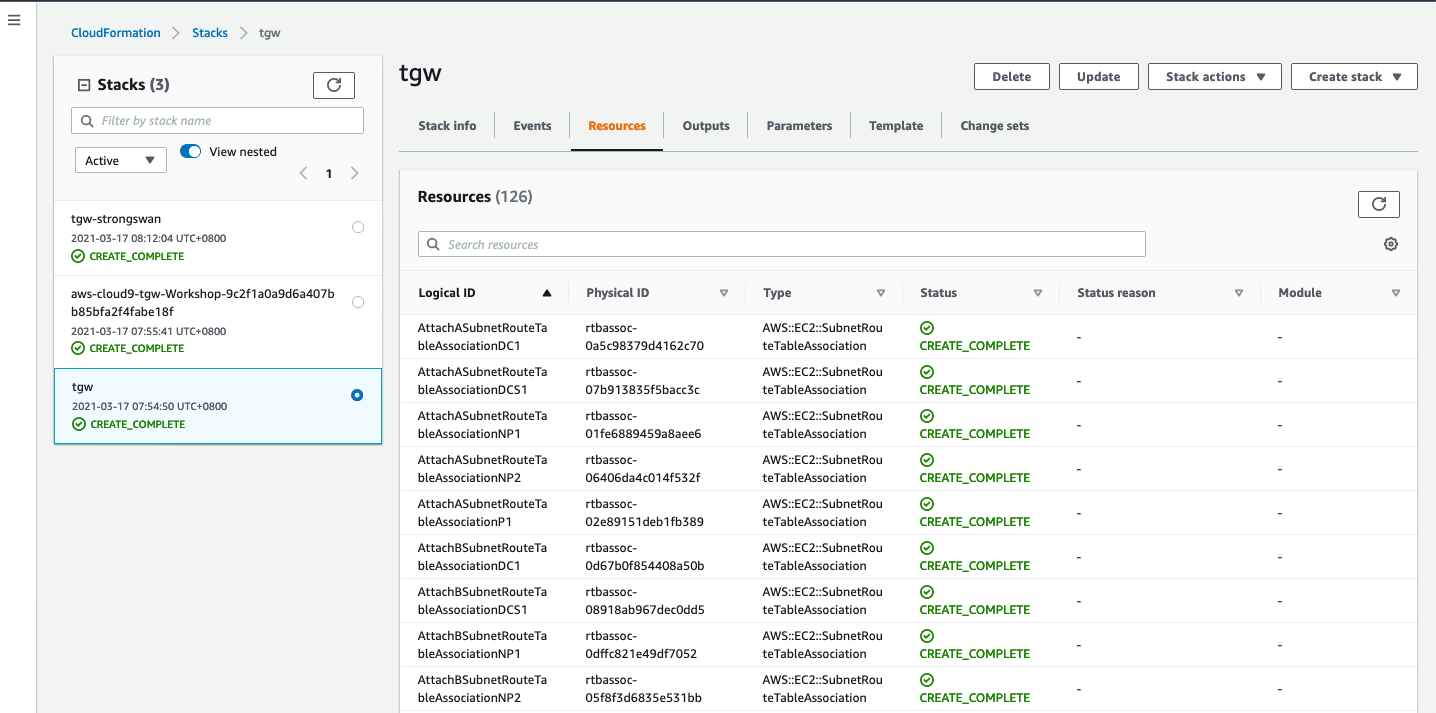
运行CloudFormation模板
1.单击下面的CloudFormation启动链接
1.进入 cloudformation console 页面后。
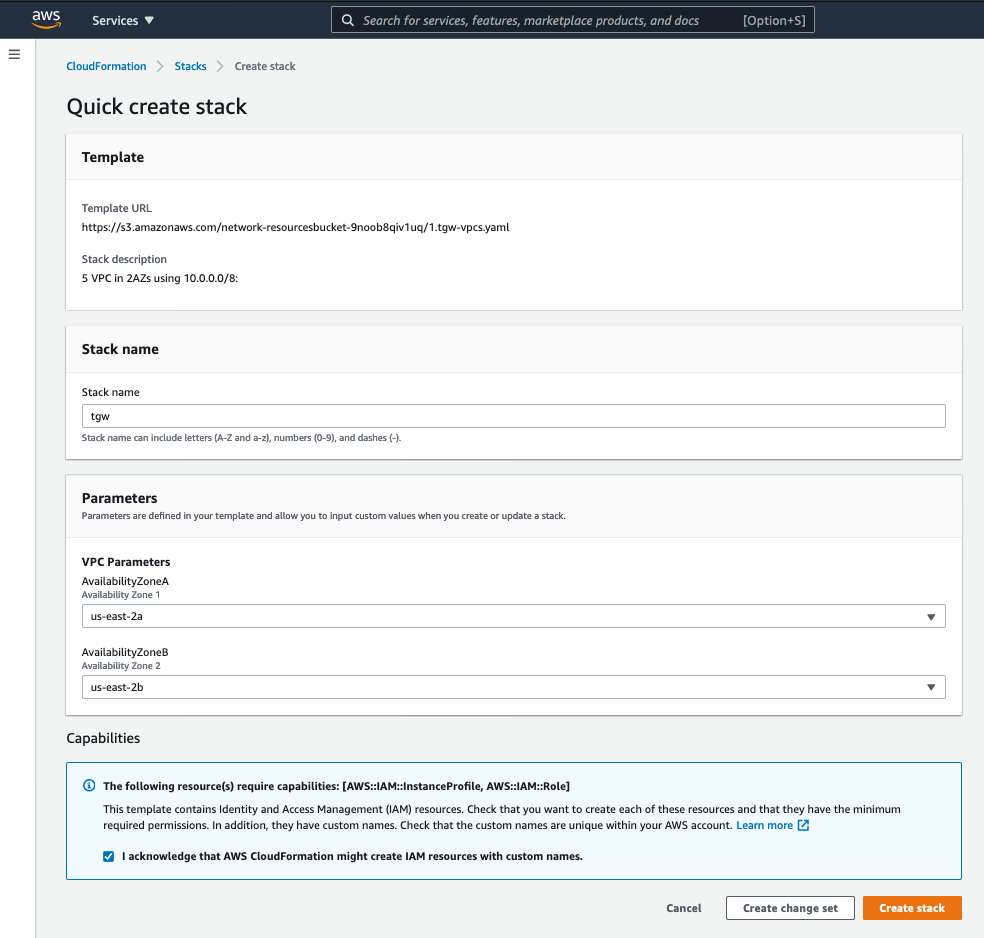 保持 stack name, VPC parameter 保持默认值。示例如下:
- stack name: tgw
- VPC Parameters:
- Availablity Zone 1: us-east-2a
- Availablity Zone 2: us-east-2b 勾选 ‘I acknowledge that AWS CloudFormation might create IAM resources with custom names.’ checkbox。
2.点击 [create stack] 按钮。
相关资源开始创建。
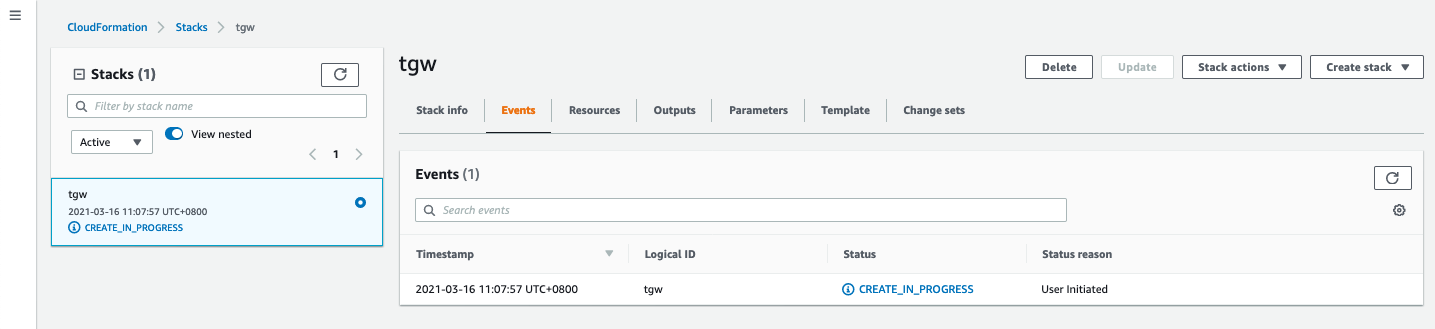
等待大概 5-6 分钟,所有资源创建完毕。
3.等待堆栈显示** Create_Complete **。
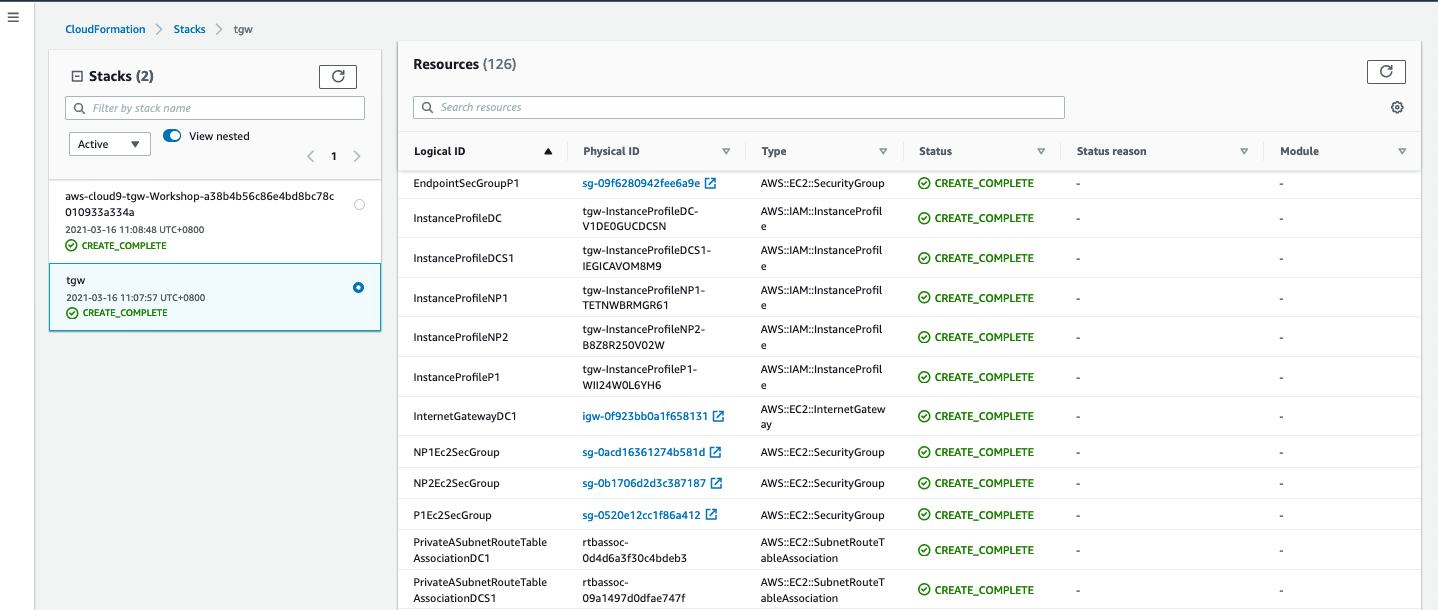
创建资源详情
如下资源将会被创建。
- Cloud9 服务器
- VPC subnet
- VPC Route table
- Security group
- EIP
- NAT Gateway
- VPC endpoint
具体资源详见 Resource 便签页。
如下图所示。